Leave Complex Inventory Management to AI

Every morning, one of the owner’s first tasks is to review the previous day’s sales and check for missing inventory. The store carries hundreds of items, and customers look for something new every day. Wigs, hair dye, lashes, nail products, and care oils come and go by the dozens. Managing it all is no easy task.
In this environment, more beauty supply owners are adopting technology for inventory management. With a smartphone or tablet, they can track stock in real time and use AI systems to predict reorder timing, reducing the risk of shortages or overstock. Even without complex calculations, the system manages inventory automatically.
This shift goes beyond convenience. Data-driven forecasts boost sales, cut excess inventory, and free up owners to focus on what truly matters.The shift from managing with paper and pen to having technology as a reliable partner is underway. This article breaks down the practical methods, real tools, and step-by-step guides anyone can follow to get started.
Rise and Spread of AI Inventory Management Systems
The limits of traditional inventory management are clear. Writing stock on paper or using Excel often leads to human errors. Small shortages cause stockouts, while unsold products pile up from repeated orders. This results in missed sales and unnecessary expenses. A bigger problem is the stress that builds up from repeated mistakes. Owners feel frustrated when customers cannot find products, are overwhelmed by excess stock, and are drained from nightly inventory checks.
As a solution to these issues, AI-based inventory management systems have recently emerged. Now, anyone can use AI easily with just a smartphone.
How AI Inventory Management Works and Its Benefits
AI inventory management does not rely on manual recording and calculation. Instead, apps and algorithms automatically track and analyze stock. The basic principle is simple yet powerful.
Once products are registered, the system reduces quantities automatically with each sale and alerts users when the stock drops below a set level. It also analyzes which items sell frequently and how sales vary by season.
For example, if a product sells over 30 units in the past month, the app detects this and sends an alert warning of “potential low stock”. The owner can then reorder in advance, reducing the chance of telling customers the item is out of stock.
The most innovative feature is predictive inventory management. By analyzing past data, it forecasts sales for the next 2 to 4 weeks and suggests the best reorder times. This goes beyond simply restocking low items. It anticipates demand and advises, for instance, that “a product is likely to run out next week” or that “ordering certain products together is more efficient.”
The cross-analysis feature is also notable. By tracking which products are frequently purchased together, it enables smarter inventory management of related items. For example, if customers who buy hair dye also tend to buy hair oil, the system sends a reminder to check the oil stock when dye sales increase. It works like having a skilled staff member monitoring inventory around the clock.
Proven AI Inventory Management Apps
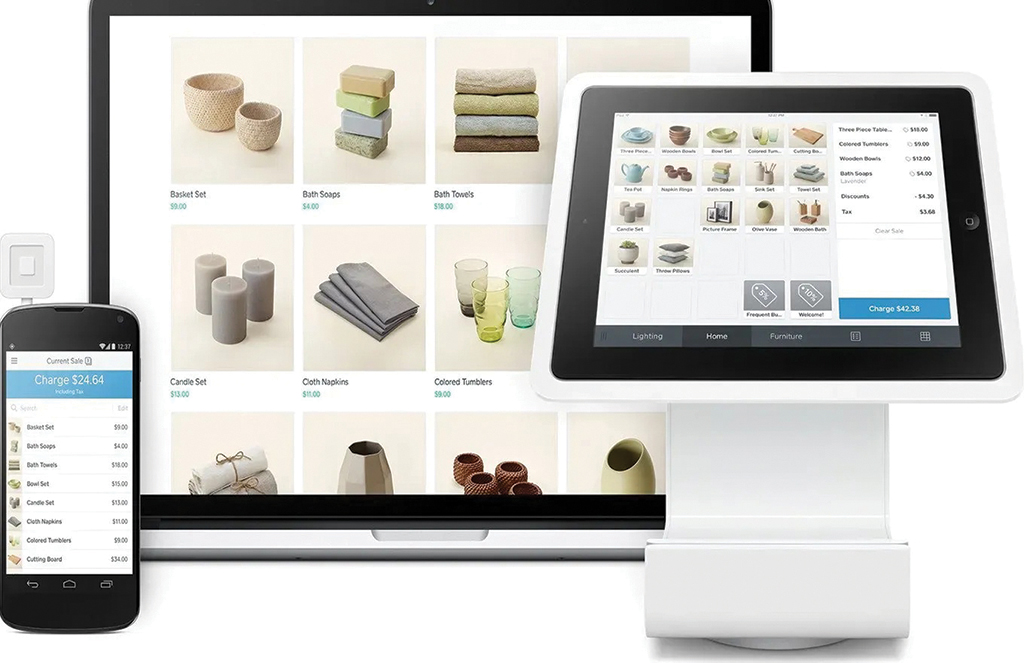
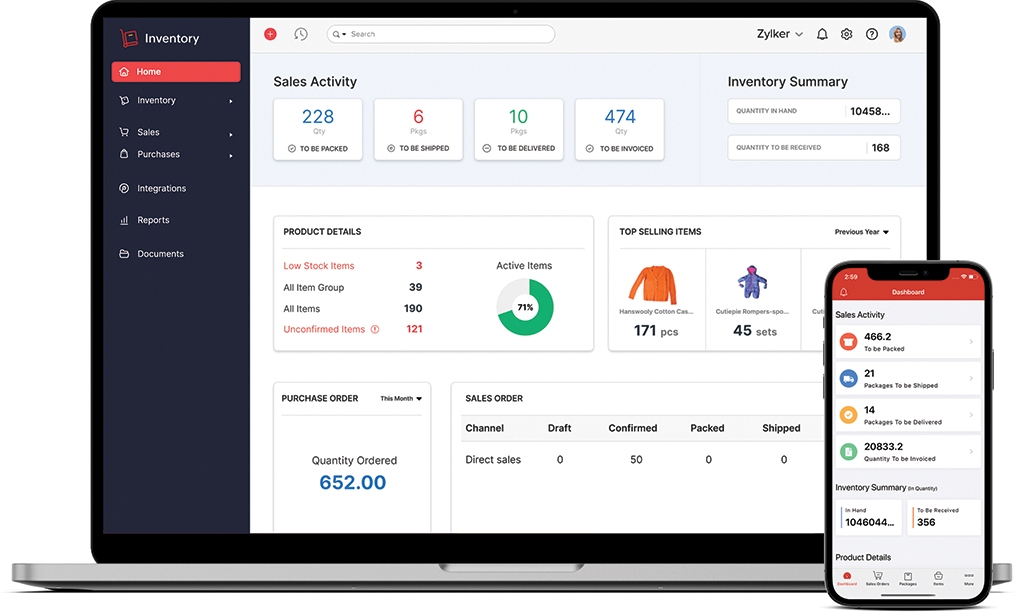
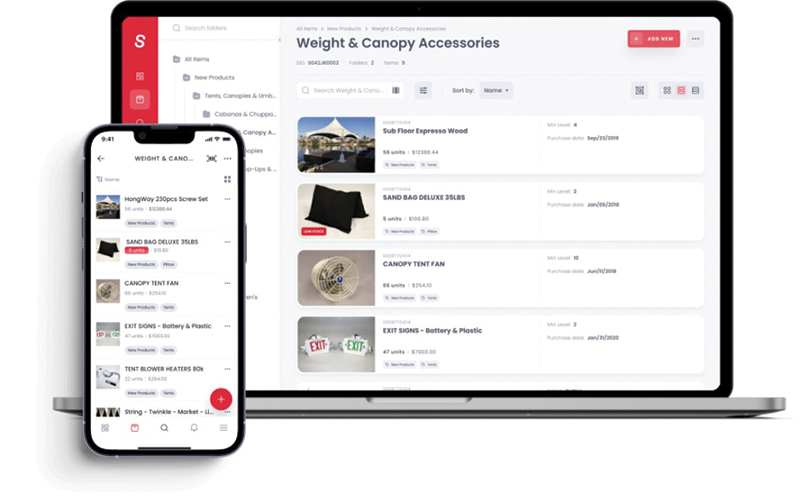
Though AI may seem complex, today’s inventory apps are beginner-friendly and easy to use. Here are three trusted tools widely used by small business owners in the U.S.